How to Choose the Best Label Maker for Your Home and Office Needs
In today's fast-paced environment, effective organization is crucial for both home and office settings. One of the most essential tools to achieve this is a quality label maker. According to a recent report from Grand View Research, the global label maker market is projected to reach $1.25 billion by 2026, driven by increasing demand for efficient labeling solutions in various industries. This surge underscores the importance of selecting the right label maker to streamline workflows and enhance productivity.
When considering a label maker, several factors come into play, including versatility, ease of use, and connectivity options. The right device can not only simplify everyday tasks but also contribute to improved visual management systems, which a study by the Lean Enterprise Institute found can increase productivity by up to 30%. With numerous models available, it is essential to assess your specific needs, be it for organizing household items or managing office inventory, to ensure you make an informed choice that meets your requirements.
Understanding Different Types of Label Makers for Home and Office Use
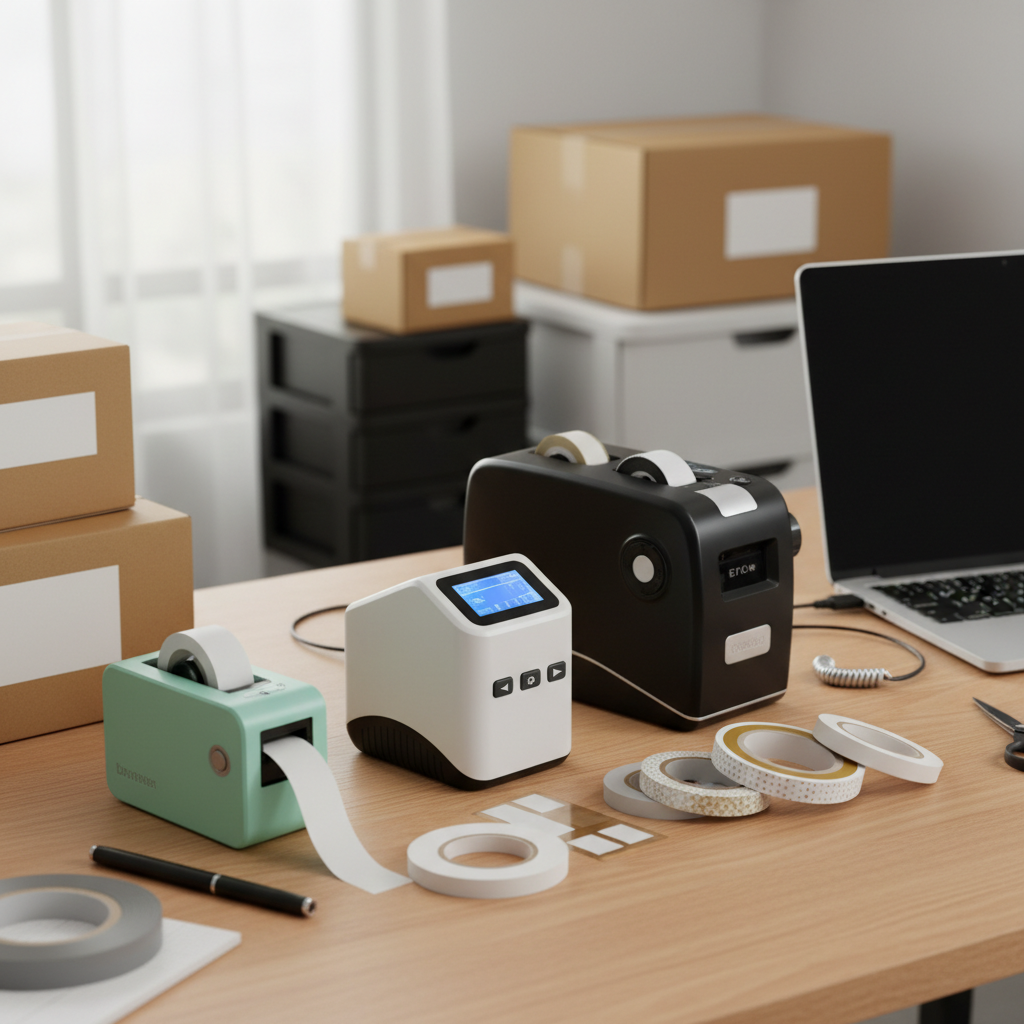
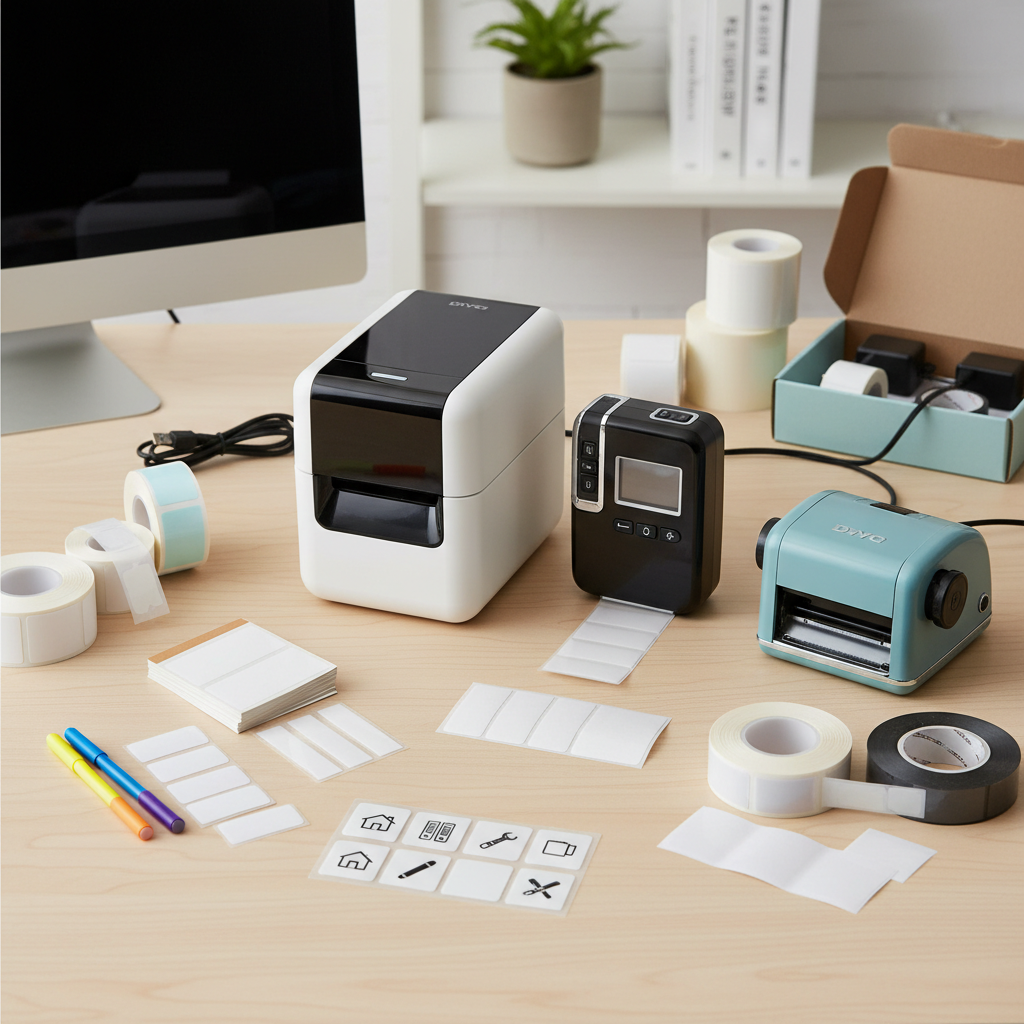
When it comes to choosing the right label maker for your home and office needs, understanding the different types available on the market is crucial. There are handheld label makers, which are portable and easy to use, making them perfect for quick labeling tasks around the house. On the other hand, desktop label makers offer more advanced features and are ideal for more complex labeling projects, such as organizing office supplies or creating professional labels for documents and files. Additionally, some label makers connect to your computer or mobile devices, enabling you to design custom labels using more sophisticated software.
Tip: Before purchasing a label maker, consider the label size options and types of materials you’ll be working with. Some label makers support various label widths and allow for different finishes, such as tape for cable management or waterproof labels for outdoor use.
Another important factor is the ease of use and the display interface. A user-friendly screen and simple navigation can make a significant difference in your labeling experience. For those who frequently label high volumes, opt for a label maker with a fast printing speed and robust storage for templates.
Tip: Check for features like memory functions that store previously used labels, saving you time on repetitive tasks and enhancing efficiency in both home and office environments.
Key Features to Consider in a Label Maker
When selecting the best label maker for your home and office needs, it's crucial to consider several key features that will enhance your labeling experience. Firstly, look for resolution and print quality; a model with a resolution of at least 300 DPI will ensure sharp, legible labels. According to a recent study by the Labeling Industry Global Market Report, businesses that utilize high-quality labels increase their productivity by 20%, highlighting the importance of clarity in communication.
Another important feature is connectivity options. Modern label makers often come equipped with Bluetooth or Wi-Fi capabilities, allowing seamless integration with various devices. A report by Technavio shows that the market for Bluetooth-enabled label makers is expected to grow by over 30% annually, indicating their rising popularity among consumers seeking convenience and efficiency.
**Tips:** When choosing a label maker, assess your specific needs—whether you need portable models for on-the-go labeling or desktop versions for heavy-duty use. Additionally, consider software compatibility; some label makers come with user-friendly apps that enable custom designs and easy synchronization with your computer. Selecting the right features can significantly contribute to a more organized and efficient workspace.
How to Choose the Best Label Maker for Your Home and Office Needs - Key Features to Consider in a Label Maker
| Feature |
Description |
Importance |
| Label Types |
Check compatibility for various label sizes and types (e.g., paper, plastic, specialty) |
High |
| Connectivity Options |
Look for USB, Bluetooth, or Wi-Fi options for easy integration with devices |
Medium |
| Print Resolution |
Higher DPI results in clearer and more professional-looking labels |
High |
| Size and Portability |
Consider if you need a compact model for on-the-go labeling |
Medium |
| Ease of Use |
User-friendly interface, easy navigation, and clear instructions |
High |
| Battery Life |
Long-lasting battery for wireless convenience, or ability to use AC power |
Medium |
| Customization Options |
Ability to use different fonts, symbols, and graphics for personalized labels |
High |
| Price Range |
Consider your budget while evaluating features and capabilities |
Medium |
Comparing Manual vs. Electronic Label Makers
When choosing a label maker, one of the fundamental decisions is whether to opt for a manual or an electronic model. Manual label makers are typically simpler and more affordable, making them a great option for occasional use. They often operate with a simple mechanism, allowing users to create labels by hand using a set of letters and symbols. This hands-on approach can be satisfying for those who prefer a tactile experience, and manual makers generally require no batteries or power supply, which adds to their convenience in low-tech environments.
On the other hand, electronic label makers offer advanced features that can significantly enhance productivity and customization. These devices allow users to print labels in various fonts, sizes, and even colors, driven by user-friendly software interfaces. Many electronic models also come equipped with the ability to store various label templates and can connect to computers or smartphones for even greater versatility. For busy home and office settings where efficiency and presentation matter, electronic label makers are often the superior choice, providing a combination of speed and variety that manual options simply cannot match.
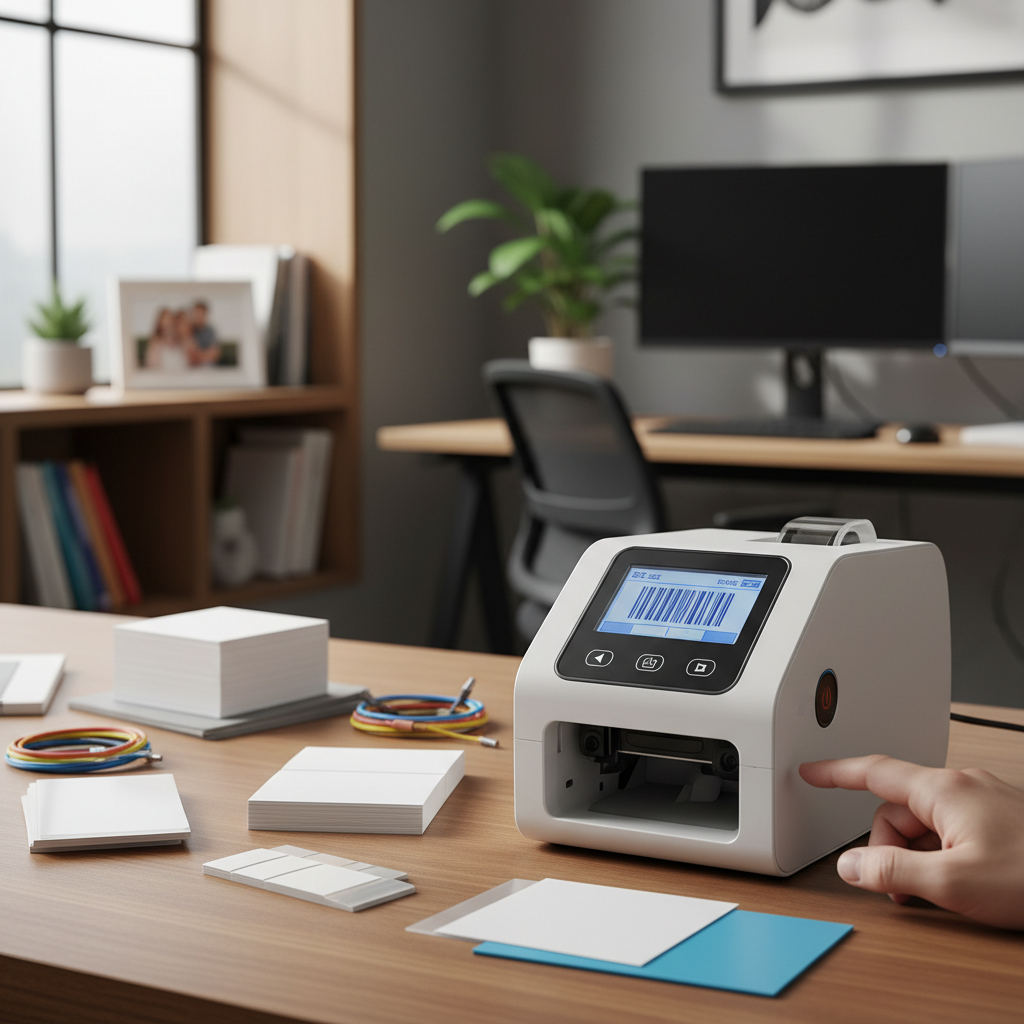
Tips for Choosing the Right Labeling Supplies
When selecting the right labeling supplies for your home and office, it is essential to consider both functionality and durability. Look for labels that are compatible with various surfaces such as plastic, metal, and paper to ensure they can be used in different environments. Additionally, consider waterproof or resistant labels if they will be exposed to moisture or harsh conditions, which will prevent them from deteriorating quickly.
Another vital tip is to choose the correct printer compatibility with your label maker. Ensure that your supplies match the specific model of your label maker to avoid issues such as misalignment or print errors. Explore options like thermal or inkjet labels, depending on how often you plan to print and the volume of labels needed. Lastly, don’t overlook the importance of size selection; various widths and lengths offer versatility for different labeling tasks, from file organization to pantry storage.
Evaluating Price vs. Performance in Label Makers
When evaluating price versus performance in label makers, it's essential to consider how often you'll use the device and what features are most important to you. Generally, more expensive models offer advanced functionalities, such as connectivity options, high-speed printing, and broader label size compatibility. However, if your labeling needs are basic—think organizational tasks around the house or simple office labels—a mid-range option may suffice without breaking the bank.
Tips:
- Assess your labeling frequency: If you only need to print a few labels occasionally, opt for a budget-friendly model that meets those needs without unnecessary frills.
- Prioritize essential features: Look for models with easy navigation, clear displays, and quick printing times to enhance your user experience without overspending on features you won’t use.
Ultimately, balancing your budget with your practical needs will guide you in choosing a label maker that provides good performance without overspending. Remember to read user reviews and compare several models to ensure you're making an informed decision tailored to your specific home and office tasks.