How to Choose the Best Label Maker Machine for Your Home and Office Needs
When it comes to organizing your home or office, a label maker machine can be an invaluable tool. With the ability to create clear and professional labels, it helps streamline your work environment, improves efficiency, and minimizes chaos. However, with a myriad of options available on the market, choosing the best label maker machine tailored to your specific needs can be overwhelming. This guide aims to simplify your decision-making process by providing essential considerations and features to look for in a label maker machine.
Whether you're labeling files, crafting projects, or organizing your pantry, understanding your labeling needs is crucial. You might require a machine that offers various label sizes, print styles, and even connectivity options for easy printing from computers or smartphones. Additionally, factors such as print speed, resolution, and ease of use should not be overlooked, as these will significantly impact your labeling experience. By assessing these attributes, you can confidently select the ideal label maker machine that meets your requirements, enhances organization, and supports productivity in your daily tasks.
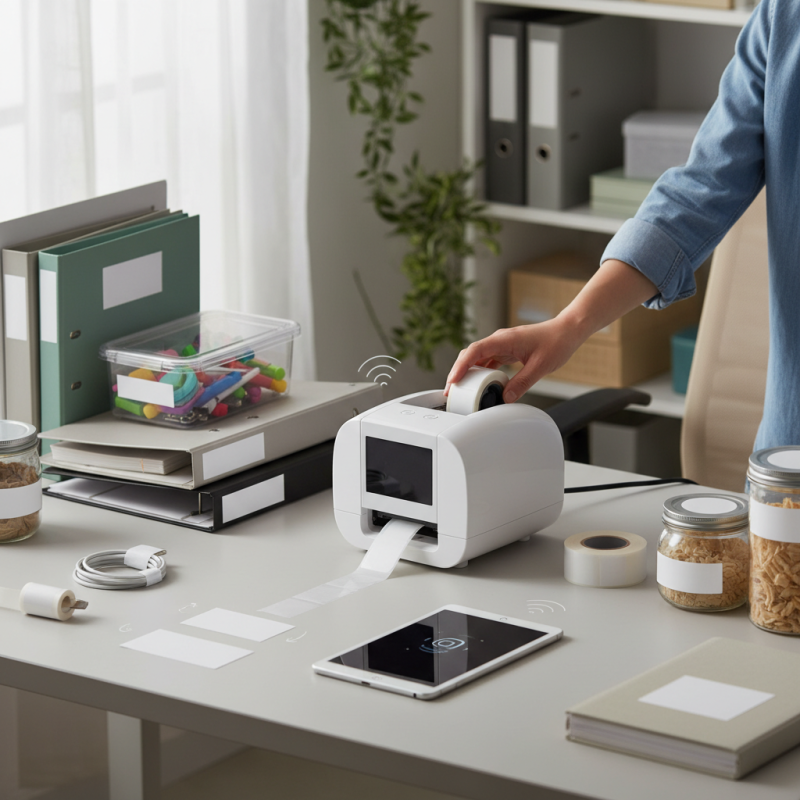
Understanding Your Labeling Needs for Home and Office
When considering the different labeling needs for your home and office, it’s essential to first assess the types of items you intend to label. For home use, the focus may be on organizing personal belongings, such as bins, storage containers, and files. Here, clarity and ease of reading are paramount. Choose a label maker that allows for simple text input and a variety of font options to keep your labels not only functional but also aesthetically pleasing. Think about creating labels for items in your pantry, closet, or even for children’s school supplies, ensuring everything is easy to find and manage.
In contrast, office labeling may involve a more diverse range of needs, including inventory management, document organization, and creating name tags for employees. Here, durability and the ability to print in different sizes and formats become crucial. An office environment may also benefit from features that allow for batch printing and the usage of barcodes or QR codes for efficient tracking. Furthermore, consider whether the label maker can connect to your computer or mobile device, as this connectivity can streamline the labeling process and enhance functionality. Understanding these specific needs will guide you in selecting the best label maker that aligns with both your home and office requirements.
Key Features to Look for in a Label Maker
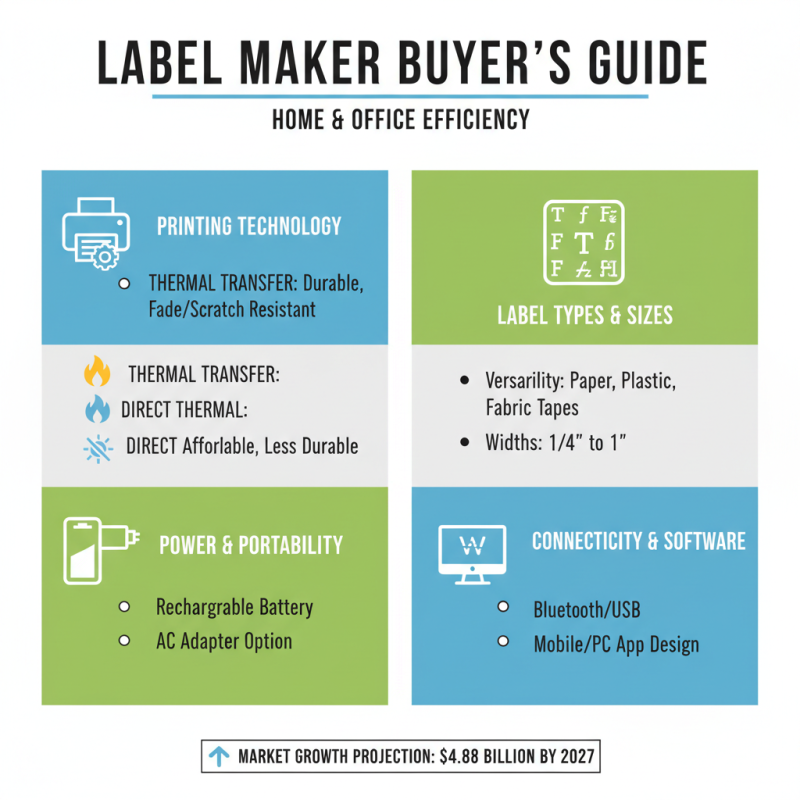
When selecting a label maker machine for home and office use, it's crucial to consider several key features that will enhance your organization and efficiency. According to recent industry reports, the global label maker market is projected to reach $4.88 billion by 2027, highlighting the importance of choosing an effective device. One primary feature to look for is the printing technology, which can range from thermal transfer to direct thermal. Thermal transfer printers typically produce durable labels that resist fading and scratching, making them ideal for long-term applications. In contrast, direct thermal printers, while often less expensive, may not hold up as well over time, especially in challenging environments.
Another essential factor to evaluate is connectivity options. Many modern label makers offer Bluetooth or Wi-Fi capabilities, enabling seamless integration with smartphones and computers. This versatility allows for greater flexibility in label design and printing. Furthermore, features such as customizable font styles, label sizes, and the ability to print barcodes can significantly enhance productivity. Research indicates that organizations that utilize effective labeling solutions can improve operational efficiency by up to 25%. Thus, investing in a label maker equipped with advanced connectivity and printing options can greatly streamline tasks, making it an invaluable tool for both personal and professional settings.
Different Types of Label Makers: Which One is Right for You?
When it comes to selecting the right label maker, it's essential to understand the different types available and how they cater to various needs. One common type is the handheld label maker, which is lightweight and portable, making it great for quick and simple labeling tasks around the home or office. These devices often utilize thermal printing technology, producing durable labels that can easily adhere to various surfaces. They're ideal for organizing items like files, storage boxes, or kitchen containers without the hassle of complicated setups.
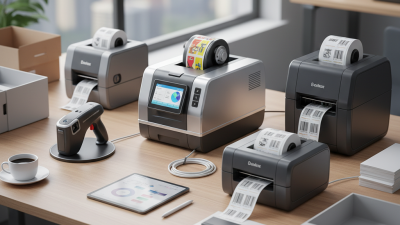
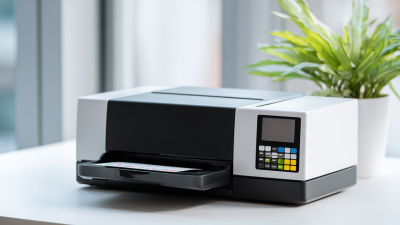
For those requiring more advanced features, desktop label makers are a solid choice. These devices typically offer extensive customization options, including various fonts, sizes, and even graphics. They are suitable for larger projects, such as creating labels for shipping, inventory, or professional presentations. Additionally, some desktop models come equipped with connectivity options, allowing users to design labels from their computers or mobile devices, significantly streamlining the labeling process. Understanding your specific labeling needs will help determine whether a portable or a more comprehensive desktop solution is necessary.
How to Choose the Best Label Maker Machine for Your Home and Office Needs
| Label Maker Type |
Features |
Best Use Case |
Price Range |
| Handheld Label Maker |
Portable, battery-operated, simple interface |
Home organization, basic labeling |
$15 - $40 |
| Desktop Label Maker |
USB connectivity, larger LCD screen, customizable options |
Office use, frequent labeling tasks |
$50 - $150 |
| Industrial Label Maker |
Durable, heavy-duty, can print on various materials |
Warehouse, manufacturing, and construction sites |
$200 - $500 |
| Wireless Label Maker |
Bluetooth or Wi-Fi enabled, mobile app integration |
Tech-savvy users, versatile labeling |
$60 - $200 |
| Multi-functional Label Maker |
Prints labels, tags, and stickers, high-resolution printing |
Crafting, custom projects at home |
$75 - $300 |
Budgeting for Your Label Maker: Finding the Best Value
When budgeting for a label maker, it’s essential to strike a balance between cost and functionality. Start by determining how often you’ll use the machine and the types of labels you need. Basic models with limited functionalities might suit occasional tasks, while more advanced versions may be necessary for regular use or specific needs like printing barcodes.
Tip: Always consider the total cost of ownership, which includes not just the initial price but also the cost of consumables like label tapes and batteries. Look for models that offer a good warranty and support, as this could save you money in the long run.
Additionally, comparing prices online can help you find the best value for your budget. Often, you can find seasonal sales or discounts that can significantly reduce your expenses.
Tip: Keep an eye out for reviews from other users about the durability and performance of the label maker. Real-life experiences often reveal insights that specifications alone might not convey, guiding you toward a purchase that offers the best value according to your specific needs.
Budgeting for Your Label Maker: Finding the Best Value
Maintenance and Best Practices for Label Maker Longevity
Maintaining your label maker is essential for ensuring its longevity and optimal performance. Regularly cleaning your device can significantly extend its lifespan. Make it a habit to wipe down the exterior with a soft cloth and check for any dust or debris accumulation inside. Additionally, if your label maker has a print head, ensure it is free from residue by following the manufacturer’s cleaning instructions. Proper maintenance helps avoid print quality issues and mechanical malfunctions over time.
Tips for effective label maker maintenance include regularly replacing the batteries or keeping it charged, depending on the model. This prevents the device from running out of power unexpectedly, which can cause damage or malfunction. Using high-quality labels that are compatible with your machine can also enhance performance and reduce wear and tear. Finally, store your label maker in a cool, dry place when not in use to prevent any damage from humidity or extreme temperatures.
When using your label maker, remember to limit the use of unnecessary features or functions. Overusing specific settings may lead to quicker wear. Adjusting the speed and resolution settings according to your project requirement can not only enhance clarity but also reduce strain on the machine. Following these best practices will help ensure that your label maker stays functional for an extended period, making it a reliable tool for both home and office needs.