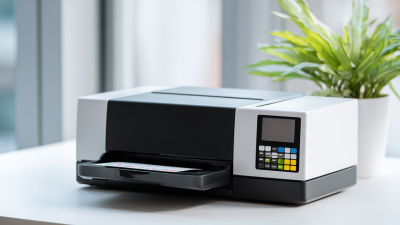
How to Choose the Best Color Label Printer for Your Business?
Choosing the right color label printer is crucial for any business. According to Jennifer Lee, an expert in labeling solutions, "The right printer can elevate your brand visibility." Her insights reflect the significance of making an informed decision.
When selecting a color label printer, various factors come into play. Businesses need to consider their labeling needs, volume requirements, and even budget constraints. The market offers a range of options, from high-end models to more economical choices. Sometimes, the decision can feel overwhelming. It’s easy to get caught up in features but overlook critical details.
Understanding industry standards and current trends can aid in making the best choice. However, not every brand or model will suit your specific requirements. Balancing quality and cost is often a challenge. Every choice might come with trade-offs that require careful thought. Investing time in research will pay off, ensuring your color label printer meets your business goals effectively.
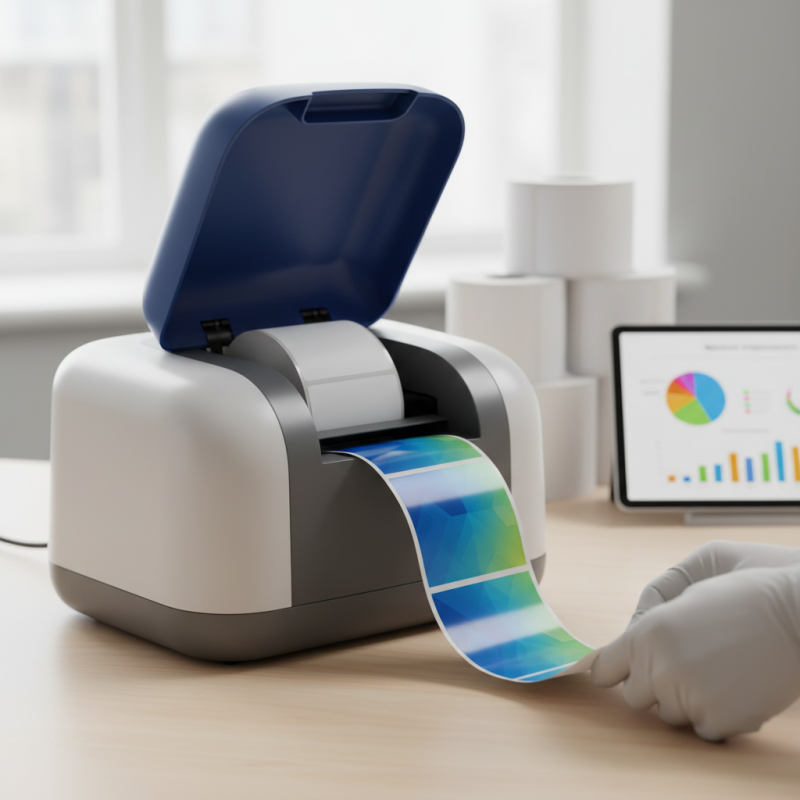
Understanding Your Business Needs: Label Printer Requirements
Choosing the right color label printer for your business requires a deep understanding of your specific needs. Assessing your production volume is crucial. A small business might not need high-speed printing, while larger operations often require robust machines. Evaluate the types of labels you need. For product labels, durability is key. Consider factors like water and abrasion resistance. Your choice will affect your brand's image.
Connectivity options can also affect your printer decision. Wireless or wired capabilities might alter how you integrate the printer into your workflow. This is often overlooked but can create inefficiencies if not addressed. Think about the software compatibility too. You may need specific design tools that work seamlessly with the printer.
Budget is an important aspect. While initially lower-priced models attract attention, hidden costs can arise. Ink and maintenance might drain your resources over time. Balancing upfront costs against long-term usability is essential. Reflect on your priorities. Understanding your label printing requirements will lead to better decisions going forward.
Evaluating Print Quality: DPI Standards and Their Impact on Labels
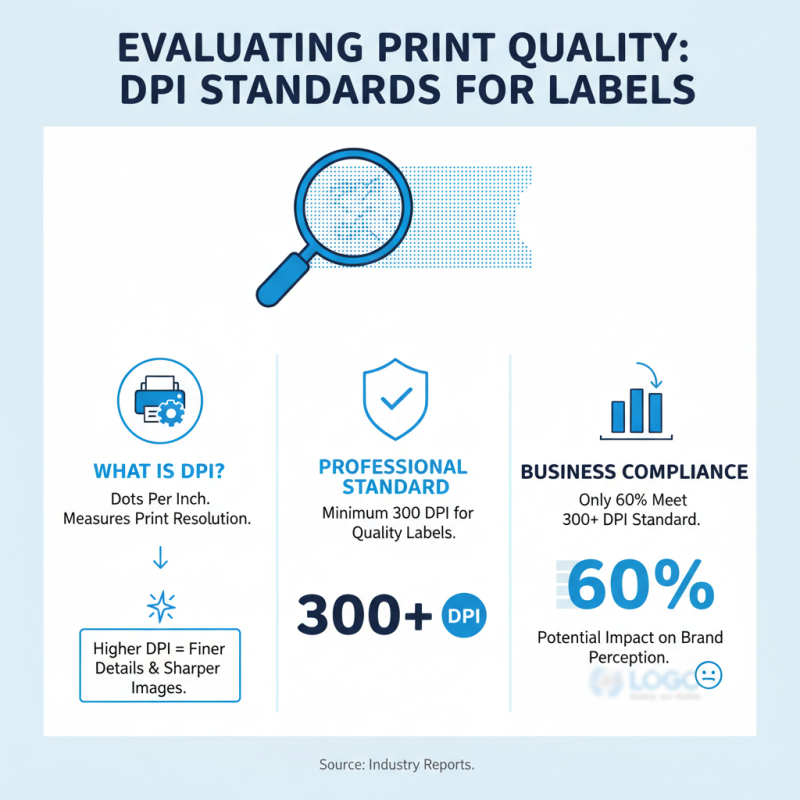
When selecting a color label printer, understanding DPI (dots per inch) is crucial. DPI measures print resolution and greatly influences the quality of labels. A higher DPI means finer details and sharper images. Most professional standards for label printing suggest a minimum of 300 DPI for acceptable quality. Some reports indicate that only 60% of businesses meet this standard, potentially affecting brand perception.
Print quality can significantly impact customer satisfaction. For instance, labels with low DPI might show blurriness, making text hard to read. This can lead to confusion and disappointment. Studies show that 70% of consumers prefer products with high-quality labels. Investing in a printer with higher DPI can enhance the overall branding experience.
However, this comes with trade-offs. Printers with higher DPI often cost more and may have slower print speeds. Businesses need to balance quality with efficiency. Choosing a label printer that meets your specific needs is essential for achieving the desired print quality without excessive costs.
Comparing Print Speed: Industry Benchmarks for Efficiency
When examining color label printers, print speed is a crucial factor impacting efficiency. Industry benchmarks indicate that high-performance printers can reach speeds of 6 to 12 inches per second. A printer that operates at 10 inches per second can produce over 600 labels per hour. This is essential for businesses requiring a quick turnaround in labeling processes.
However, not all businesses need the fastest option. For some, a printer with a speed of 4 inches per second might suffice, especially if they produce labels in smaller batches. Consider the workflow. Slower speeds can help ensure quality control, allowing for careful inspection of labels before application. Yet, the trade-off is a longer wait time during peak operational hours.
Ultimately, assessing print speed must factor in other features. Resolution capabilities and media compatibility significantly impact overall performance. Many businesses overlook how these elements interact. A printer may have impressive speed but poor resolution can lead to blurry labels that hinder branding efforts. Balancing these aspects ensures that businesses choose a printer that meets their operational needs without compromising on quality.
Comparing Print Speed of Color Label Printers
Assessing Connectivity Options: USB, Wi-Fi, and Network Printing
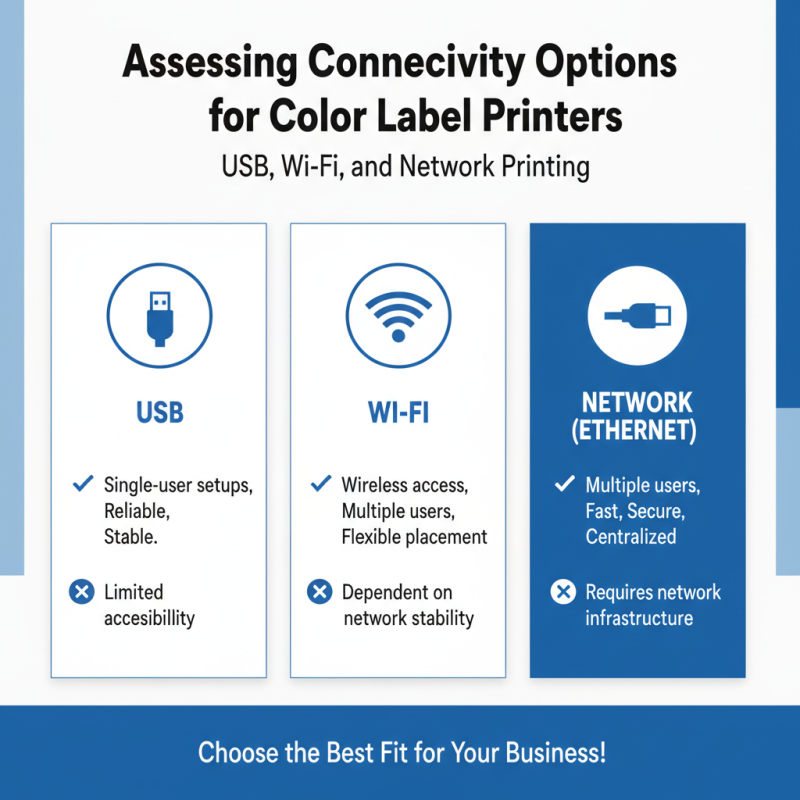
When selecting a color label printer, connectivity options can significantly impact its utility for your business. USB connections are straightforward and ideal for single-user setups. They offer reliable speed and stability. However, this method can limit the printer's accessibility to only one workstation at a time. In situations where multiple users need to access the printer, this can be a drawback.
Wi-Fi connectivity provides greater flexibility. It allows multiple devices to connect from various locations within your workspace. This is particularly advantageous for teams requiring shared access. Wireless printing can sometimes lead to connection drops or slower printing speeds, which could disrupt workflow. Keeping a strong network signal is essential for optimal performance. Evaluating your space's layout and existing network infrastructure is crucial.
Network printing emerges as a robust solution for larger teams or offices. It connects via Ethernet, offering reliable speed and stability across multiple users. Security is a prime consideration, as network-connected printers can be vulnerable to unauthorized access. Regular assessments of user permissions and firmware updates are necessary to maintain security. Consequently, weighing these factors will ensure your selected printer meets both current needs and future growth.
Exploring Operating Costs: Ink, Maintenance, and Total Cost of Ownership
When selecting a color label printer, understanding operating costs is crucial. Ink expenses can add up quickly. A printer may be affordable initially, but that often disguises long-term costs. Evaluating ink cartridge prices is essential. High-yield cartridges may seem costly, but they provide more labels per dollar spent.
Maintenance also plays a significant role in total expenses. Some printers require frequent maintenance checks. This could mean extra labor costs or even downtime. Regular cleaning and software updates are essential for optimal functioning. Not addressing these needs can lead to bigger repairs later.
The total cost of ownership includes both direct and indirect costs. Consider the printer's energy consumption. Some models consume more power than others. Inefficient machines can inflate your electricity bill. Reflecting on these factors provides a clearer picture of long-term expenses. Each aspect tied to operating costs informs your ultimate decision.
How to Choose the Best Color Label Printer for Your Business? - Exploring Operating Costs: Ink, Maintenance, and Total Cost of Ownership
| Printer Type |
Initial Cost |
Ink Cost (per 1000 labels) |
Maintenance Cost (per year) |
Total Cost of Ownership (5 years) |
| Thermal Transfer |
$1,200 |
$50 |
$200 |
$2,500 |
| Inkjet |
$800 |
$30 |
$150 |
$1,600 |
| Laser |
$1,500 |
$40 |
$250 |
$3,000 |
| Direct Thermal |
$600 |
$20 |
$100 |
$1,200 |